
AI Image Generator
AI Image Generator
How to Use
Generate your desired images in just a few simple steps
Select a Model
Choose an AI model from the dropdown menu. Different models have different styles and characteristics.
Enter Prompt
Describe the image you want to generate in detail, including colors, style, composition, and other details.
Set Parameters
Select aspect ratio and resolution (if supported by the model) to get the best results.
Generate Image
Click the generate button and wait tens of seconds for AI to create your beautiful image.
Supported AI Models
Choose from a comprehensive library of state-of-the-art AI models.
Nano Banana Pro
Native 4K with multi-image composition
Midjourney
The gold standard in AI artistry
Seedreem 4.5
Perfect text rendering & character consistency
Qwen Image
Bilingual mastery with rich aesthetics
Flux 2 Pro
Studio-grade with 4MP resolution & perfect typography
Imagen 4 Ultra
Maximum quality & prompt precision
Ideogram Character
Consistent characters across any scene
GPT Image
OpenAI's native multimodal generation
Grok Imagine
Imaginative creations from Elon's xAI
Recraft Crisp
Vector-quality upscaling for sharp edges
Topaz Upscale
Up to 8K with noise reduction & sharpening
Z-Image
Ultra-fast generation with stunning quality
Why Choose TopIdea AI Image Generator?
Unlock infinite creative possibilities with our advanced AI tools.
Access Top Models
Integrated multiple top-tier AI models for a one-stop creative experience.
High Quality Output
Generate cinematic, 4k resolution images with incredible detail and lighting.
Fast Generation
Get your results in tens of seconds with our optimized GPU clusters.
Commercial Rights
Own the images you create. Full commercial usage rights included in paid plans.
Featured Gallery
Explore stunning AI-generated artworks and get inspired for your next creation.
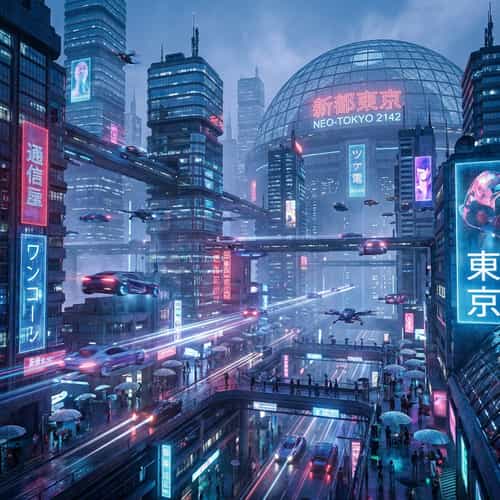
Futuristic Sci-Fi City
Neon lights, flying cars, towering skyscrapers with cinematic lighting in 8K resolution.
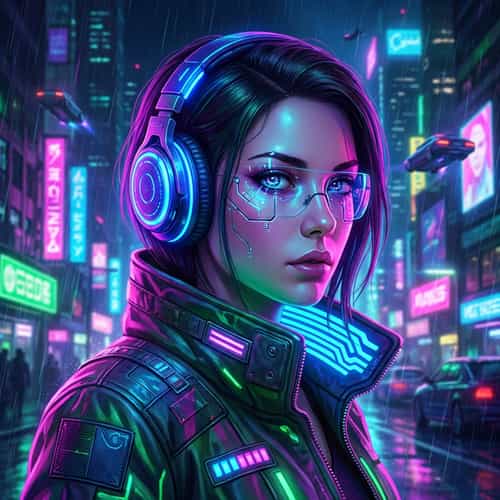
Cyberpunk Girl Portrait
Beautiful portrait with glowing headphones, detailed eyes, digital art style, vibrant colors.
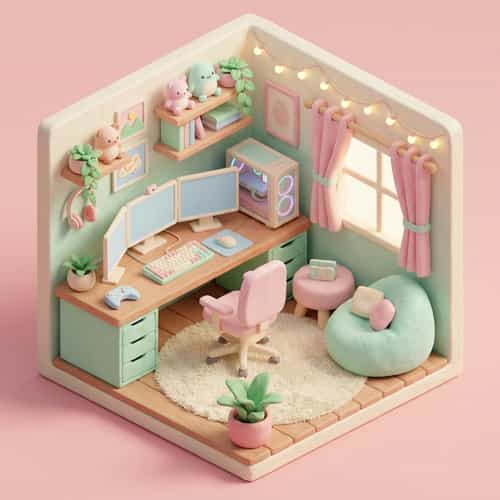
3D Isometric Room
Cute 3D isometric room with gaming setup, pastel colors, soft lighting, clay render style.
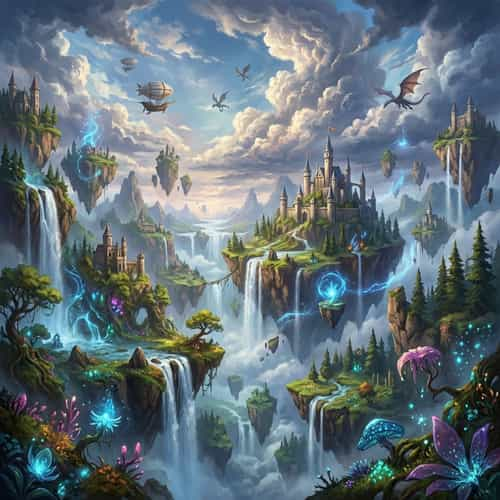
Fantasy Landscape
Majestic fantasy landscape with floating islands, waterfalls, magical atmosphere, detailed clouds.
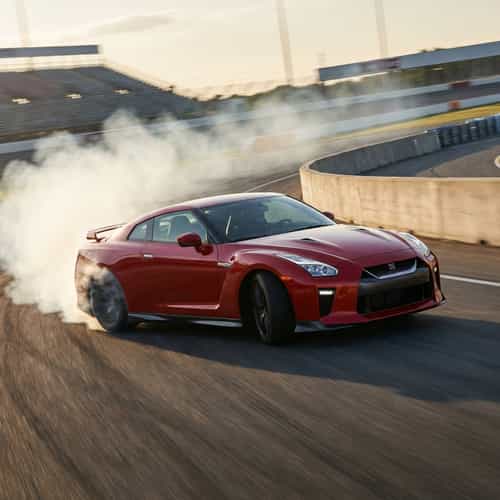
Red Sports Car
Drifting on race track with smoke, motion blur, dynamic angle, photorealistic rendering.
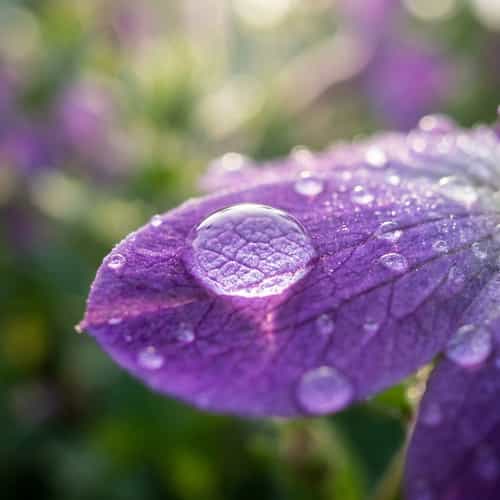
Macro Flower Photography
Water drop on purple flower petal with bokeh background and sharp details.
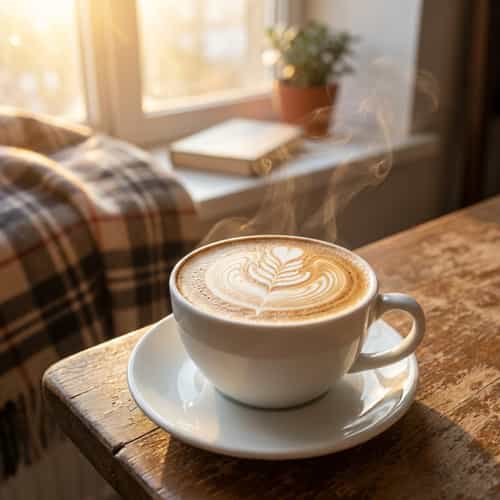
Latte Art Coffee
Latte art coffee on wooden table next to window with morning sunlight, cozy atmosphere.
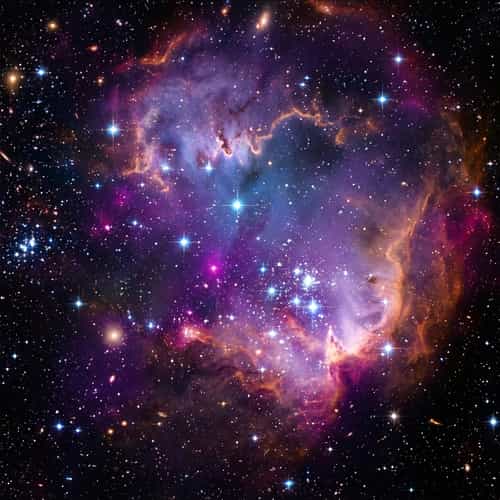
Cosmic Nebula
Colorful nebula with twinkling stars, deep space, surrealism style, cosmic atmosphere.
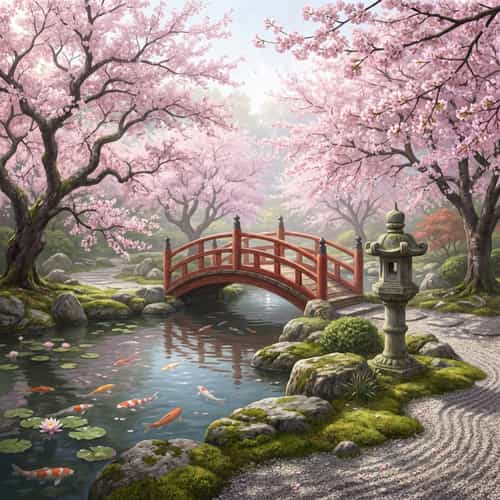
Japanese Garden
Traditional Japanese garden with cherry blossom trees, stone lanterns, peaceful pond, zen atmosphere.
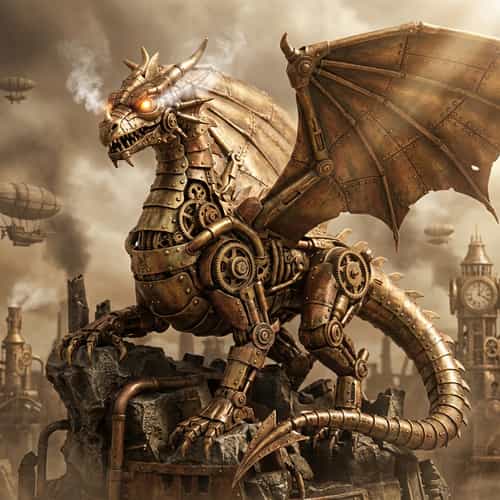
Mechanical Dragon
Steampunk mechanical dragon with metallic texture, gear mechanisms, epic composition.
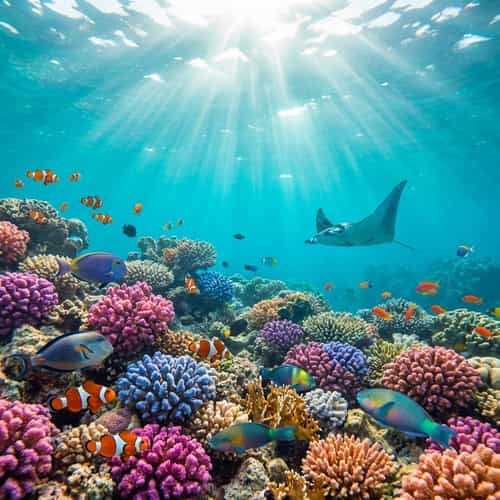
Underwater World
Coral reef with tropical fish, sunlight penetrating water, dreamy underwater scene.
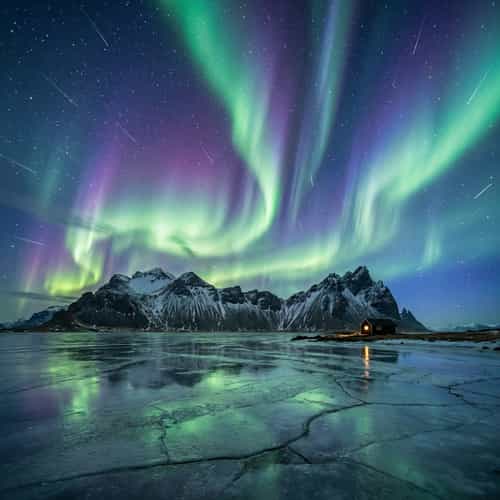
Aurora Night Sky
Northern lights aurora borealis with snow mountains, starry sky, long exposure photography effect.
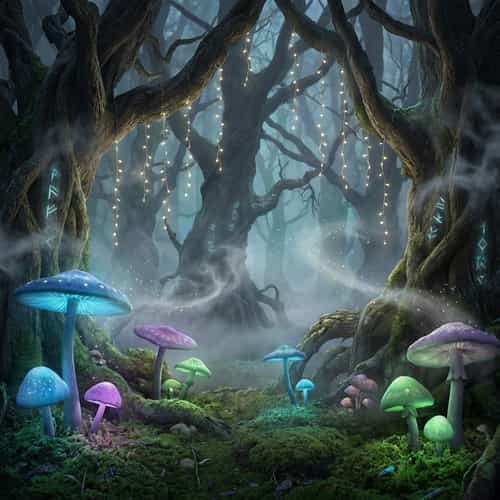
Magical Forest
Glowing mushrooms with mysterious fog, fairy lights, magical fantasy forest.
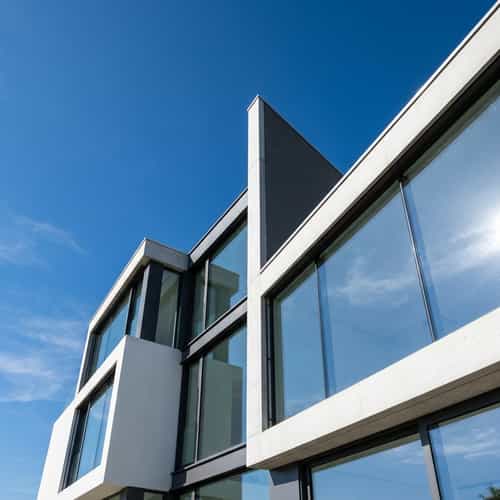
Architectural Wonder
Modern architecture with geometric lines, glass reflections, blue sky, architectural photography.
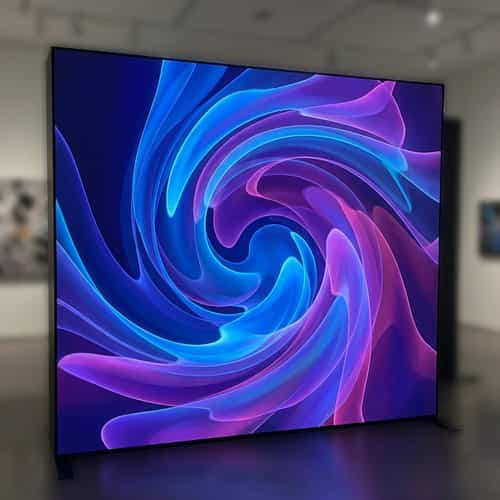
Abstract Art
Flowing colors with gradient effects, modern art style, strong visual impact.
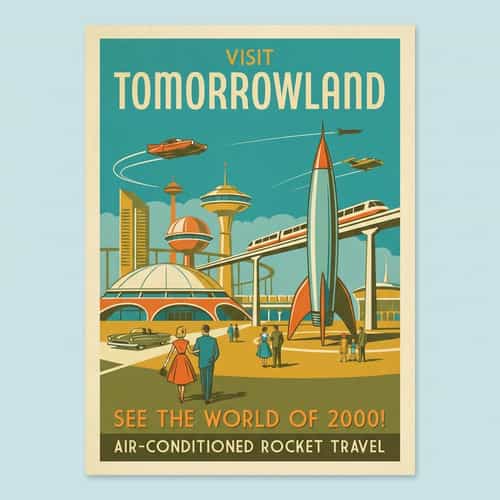
Vintage Poster
1950s style vintage poster, retro color palette, nostalgic atmosphere, poster design.
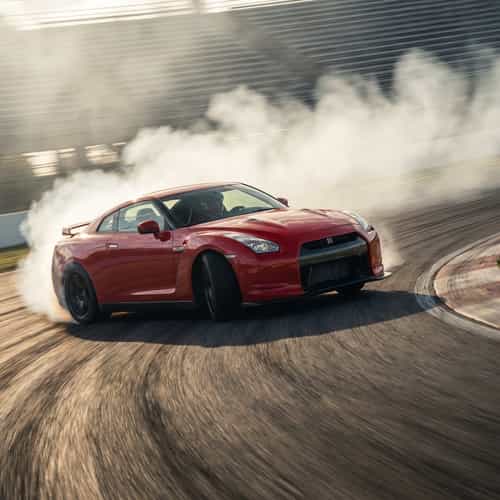
Classic Sports Car
Sleek body, classic red paint, showcasing the beauty of speed.
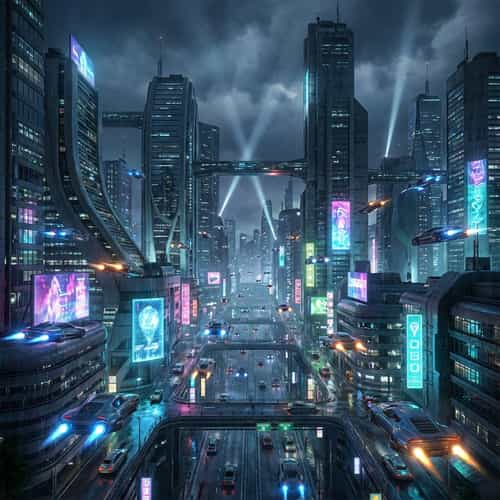
Urban Jungle
Modern urban architecture, well-arranged skyscrapers.
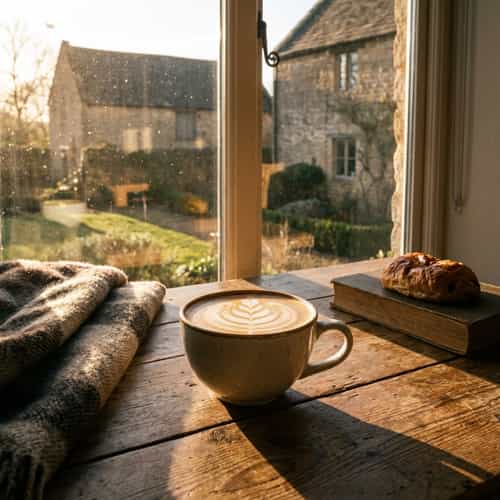
Morning Coffee
Quiet morning, a cup of fragrant latte art coffee.
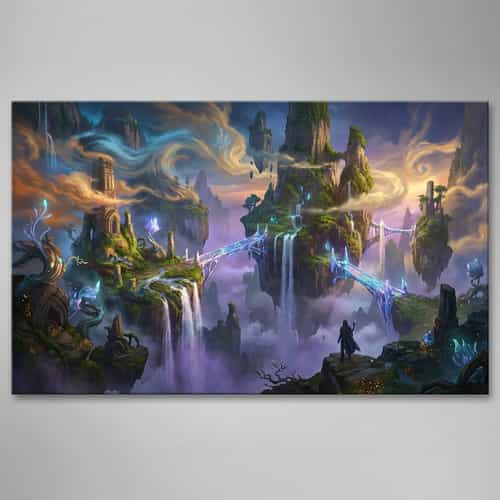
Mythic Fantasy
Mysterious fantasy world, natural landscape full of magic.
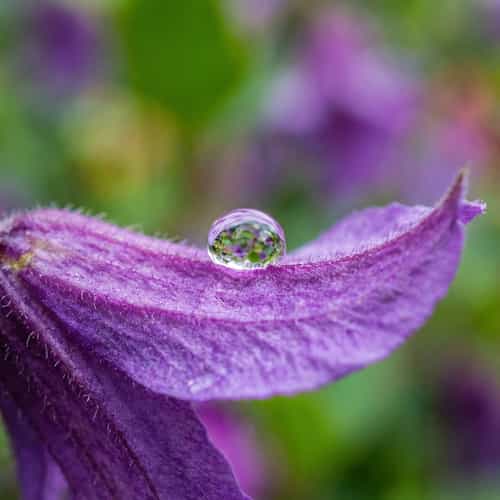
Blooming Flower
Brightly colored flowers, realistic close-up details.
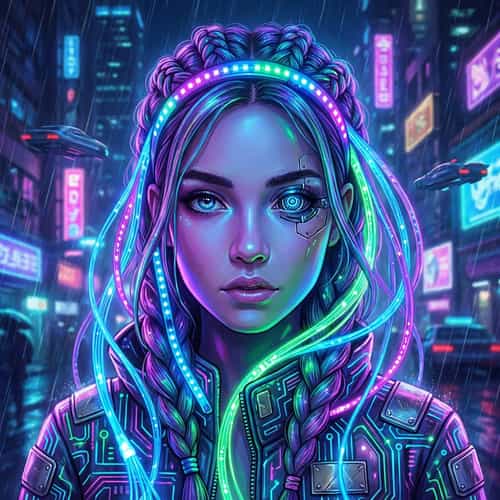
Elegant Portrait
Highly individual fashion portrait, delicate expression of light and shadow.
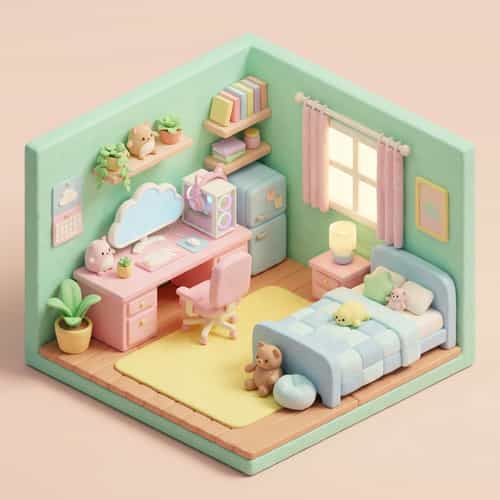
Cozy Corner
Warm and comfortable indoor space, full of life-like arrangements.
Futuristic Sci-Fi City
Neon lights, flying cars, towering skyscrapers with cinematic lighting in 8K resolution.
The Ultimate Guide to AI Image Generation
Understand how an AI image generator works and how to get better results with text-to-image and image-to-image workflows.
What Is an AI Image Generator?
An AI image generator is a web tool that creates new images from your input. In TopIdea, you can generate images from text (text-to-image) or transform an existing image (image-to-image / img2img). The model learns patterns from large datasets and predicts pixels that match your prompt, style, composition, and lighting. This makes it possible to turn a simple idea into a usable visual asset in minutes.
Text-to-Image: Prompting for Better Results
For text-to-image, write prompts like a creative brief: subject, setting, style, lens/camera, lighting, and constraints. Add details that matter (materials, mood, colors) and remove details that conflict. TopIdea also includes a prompt enhancer to help expand short prompts into clearer instructions for the AI image generator.
Image-to-Image (Img2Img): Variations and Editing
Image-to-image is ideal when you already have a base: generate variations, keep character consistency, change background, or refine composition. Upload a reference image and describe what should change. This workflow is popular for product photos, concept art iterations, and style transfer, because it preserves structure while improving the final look.
Choosing Models: Midjourney, Flux, Imagen, and More
Different models have different strengths. Some excel at photorealism, some at illustration, and some at typography or character design. TopIdea lets you compare leading models (including Midjourney, Flux, and Imagen) in one dashboard, so you can pick the best fit for each project instead of forcing a single model to do everything.
Frequently Asked Questions
Learn more about our AI Image Generator.