
Animate Image AI
How to Use Animate Image AI
Bring your photos to life in just 4 simple steps using our AI that animates images.
1. Upload Your Image
Choose any photo, portrait, or artwork you want to bring to life. Our animate image AI supports JPG, PNG, and WebP formats.
2. Choose Your Animation Model
Select from world-class models like Sora, Veo, Kling, or Runway. Each AI that animates images has its own unique cinematic style.
3. Add Motion Prompts
Describe how you want the image to move. Tell our AI animate image tool exactly what actions, camera movements, or environmental effects to apply.
4. Generate & Download
Click generate and let the animate image AI work its magic. Download your high-quality MP4 video ready for social media.
What Can You Create With AI Animate Image?
Explore these stunning examples of what you can achieve when you animate image with AI. Learn the exact prompts used to create these masterpieces.
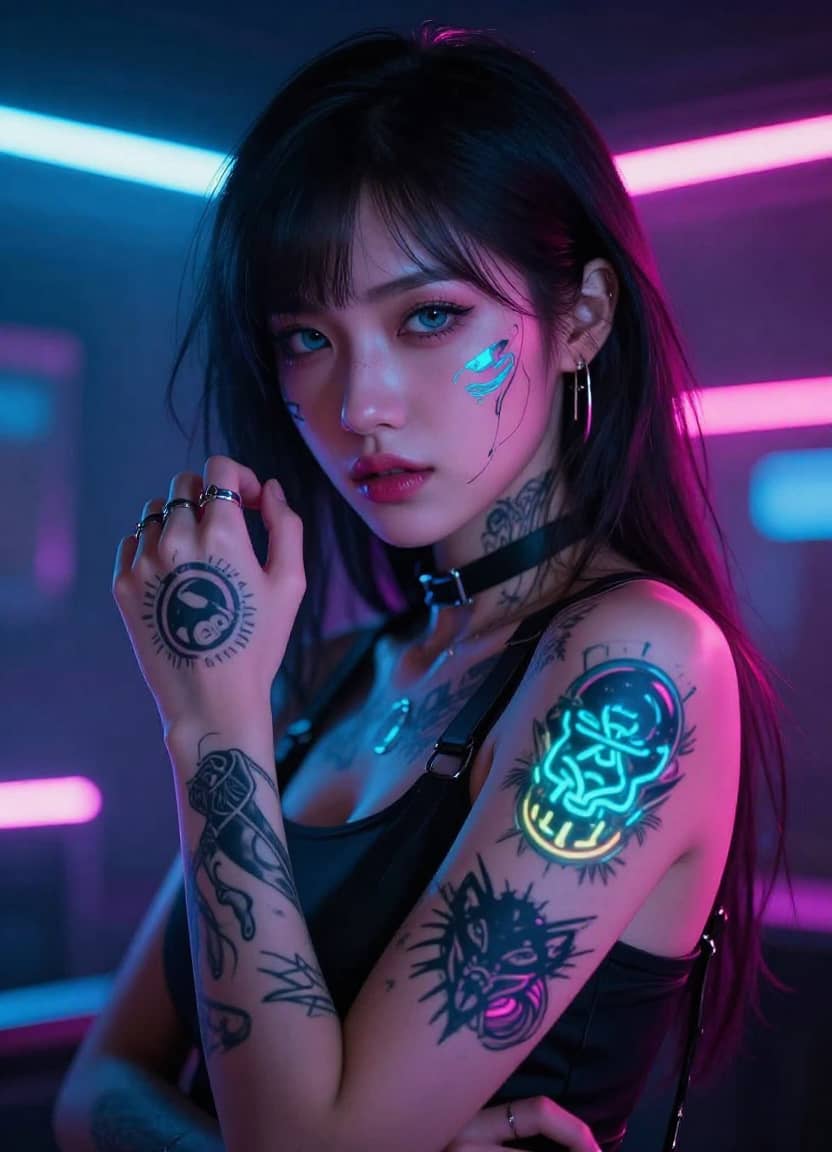
Dynamic Portraits
Turn still portraits into living, breathing characters with subtle movements.
Prompt
Subtle breathing, hair gently blowing in the wind, neon lights reflecting in her eyes, slow cinematic zoom in.
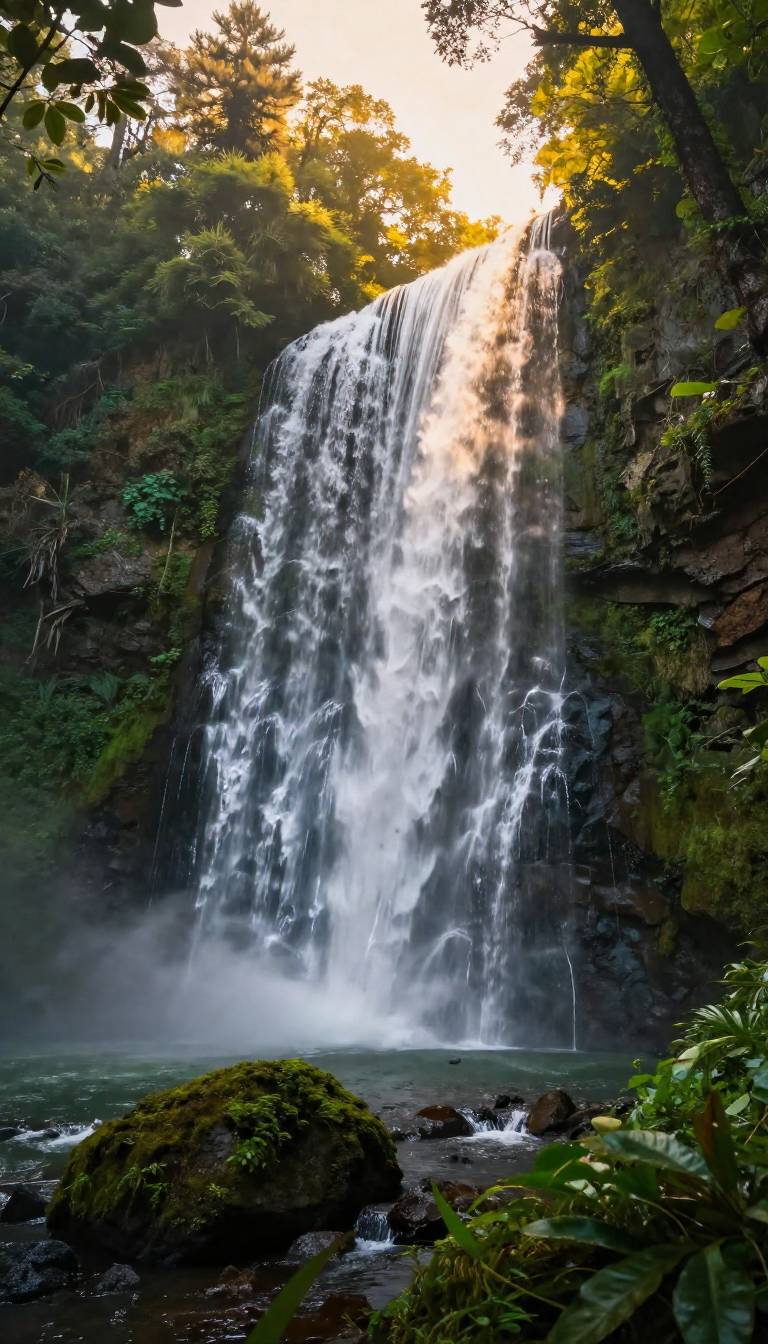
Nature Scenery
Make still landscapes feel immersive with flowing water and moving clouds.
Prompt
Water cascading down powerfully, mist rising from the bottom, sunlight rays breaking through the moving tree leaves, birds flying in the background.
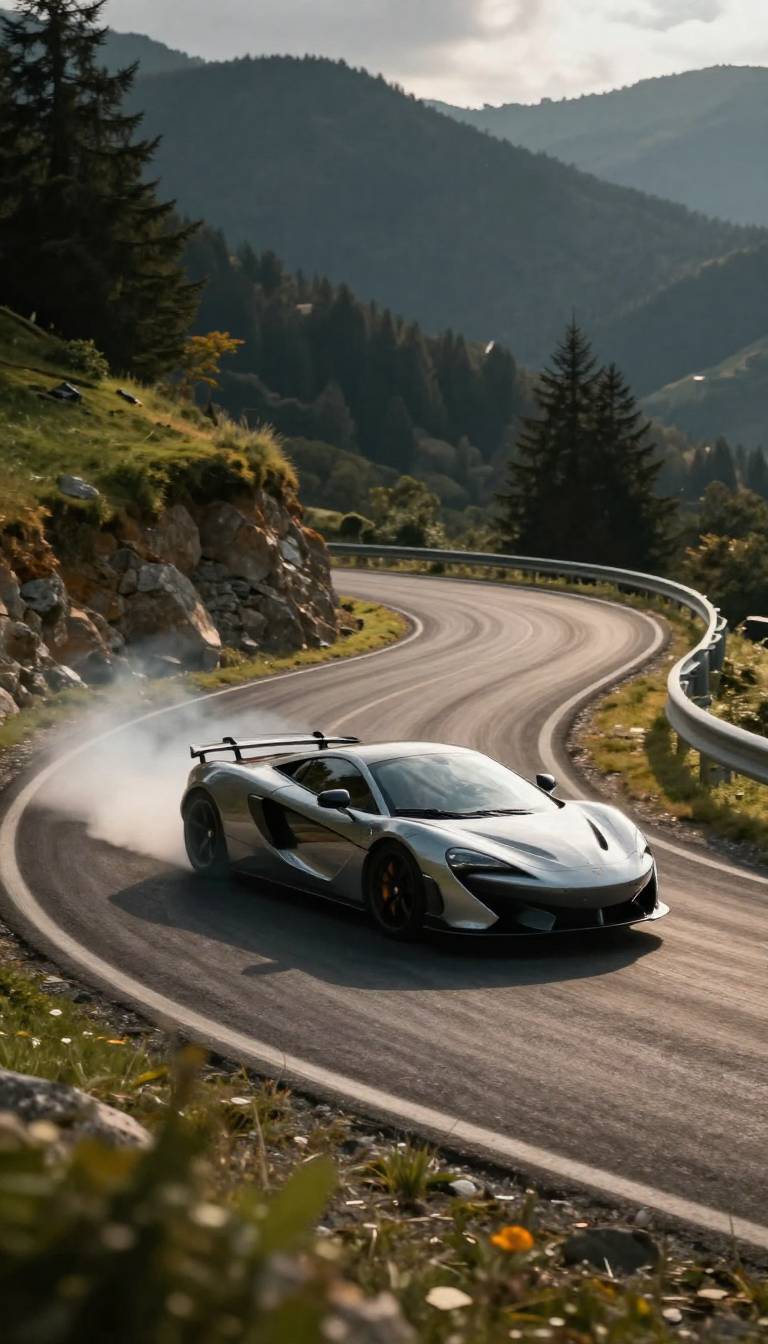
Action Sequences
Continue the frozen action in a still photo.
Prompt
The car completes the drift with smoke billowing from the tires, camera panning quickly to track the car's movement, sparks flying from the exhaust.
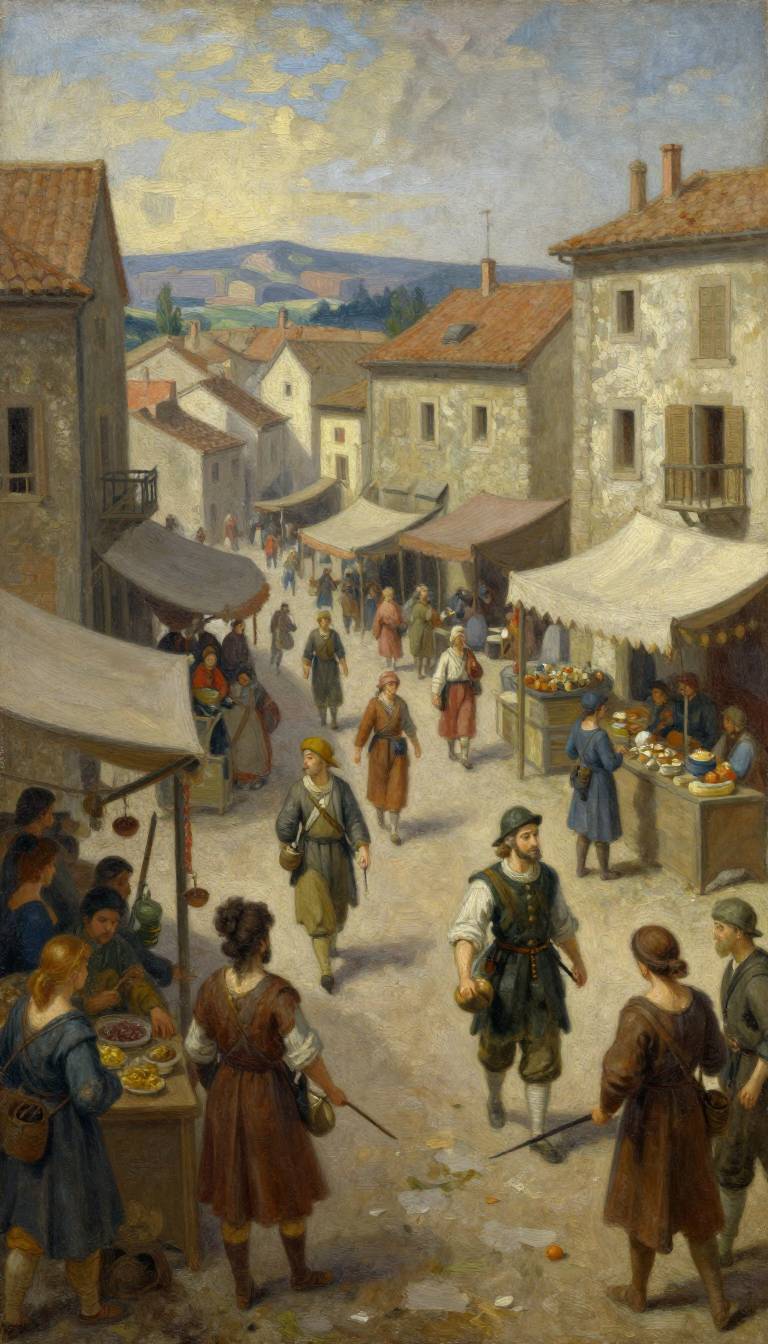
Art Animation
Bring classic paintings and 2D illustrations into the 3D world.
Prompt
People walking through the market, merchants gesturing, smoke rising from a chimney, maintain the oil painting brushstroke style, slow panning shot.
Frequently Asked Questions
Common questions about using our animate image AI tool.